

Share PnL cards
Share PnL on a position card, the position detail panel or the Terminal panel opens the share dialog.

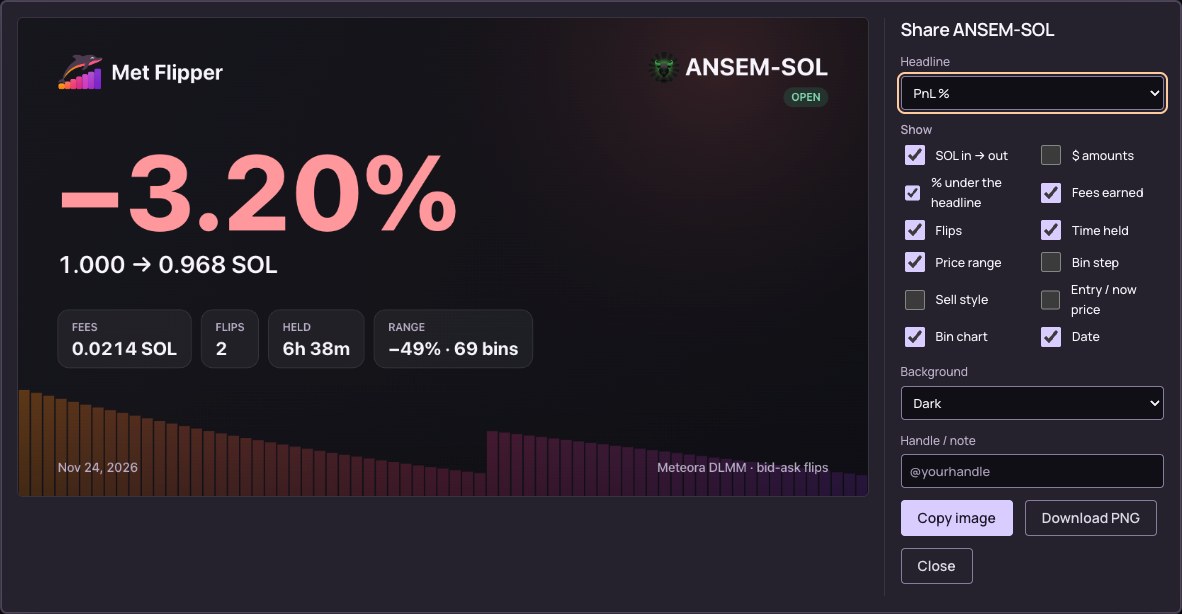
The share dialog for a demo position.
Options
- Headline: % or SOL.
- Toggles: SOL in → out, $ amounts, % under the headline, fees earned, flips, time held, price range, bin step, sell style, entry / now price, bin chart, date.
- Background: dark, light, flat or meme.
- Handle / note: up to 40 characters.
Then copy the image or download a PNG (1200×675).

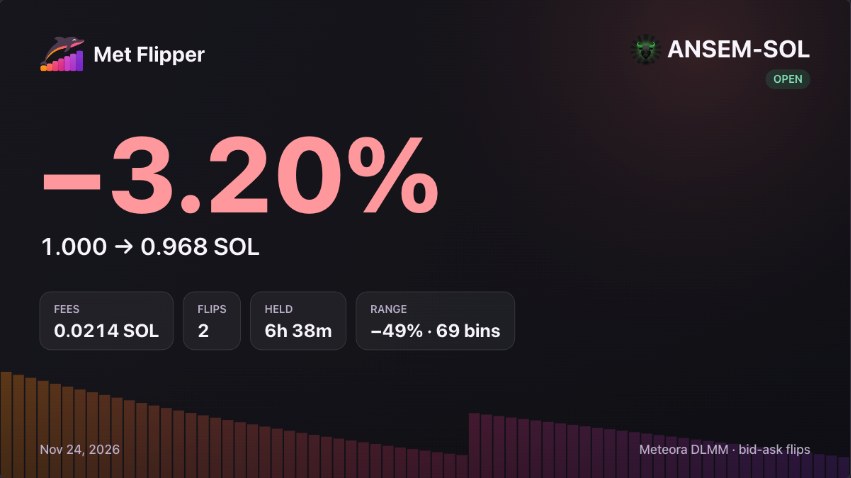
An example card (demo position, dark background).
For a day, a week or a whole month, use the share buttons on the PnL page.
Wallet addresses aren't printed on the card. Cards show one position's result, not your overall performance; share them honestly.